Running Artisan commands
Artisan commands can be run from the plugin via different ways:
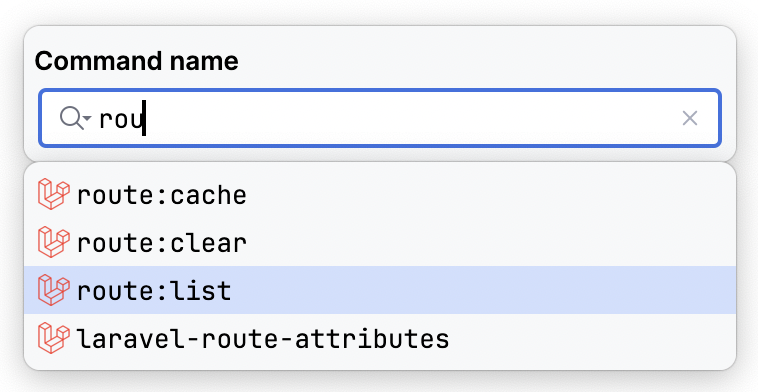
- Main menu: Laravel > Run Artisan command
- Laravel toolwindow: Dashboard > Run Artisan command
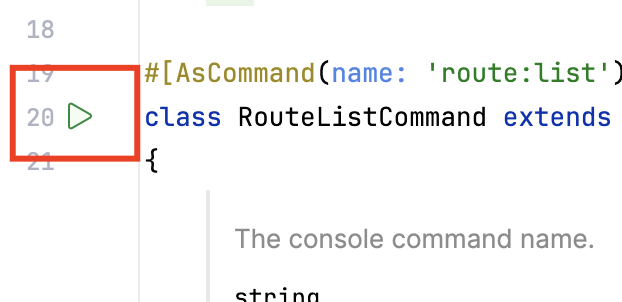
- Run line marker: left side line marker in the command class name
Run command dialog
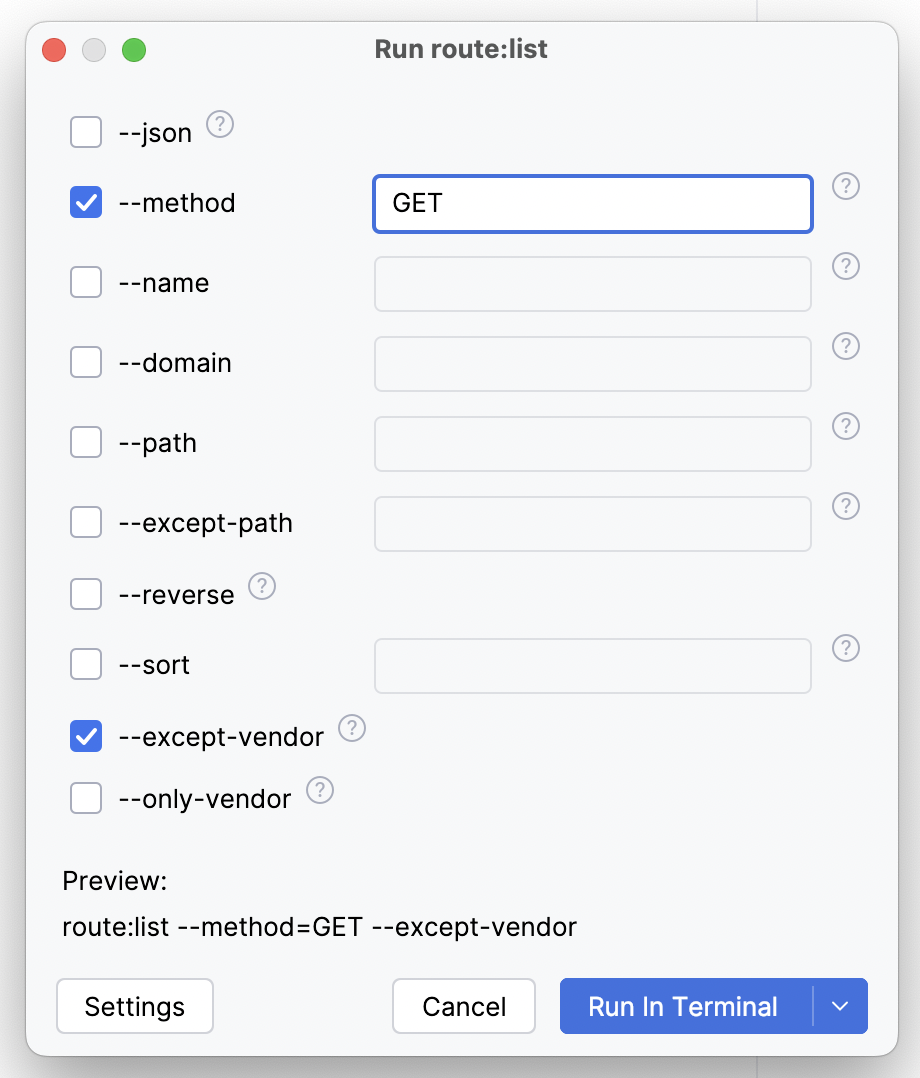
Command might be run via Terminal or via PHP interpreter, which should be configured for the project in PhpStorm.
Terminal completions
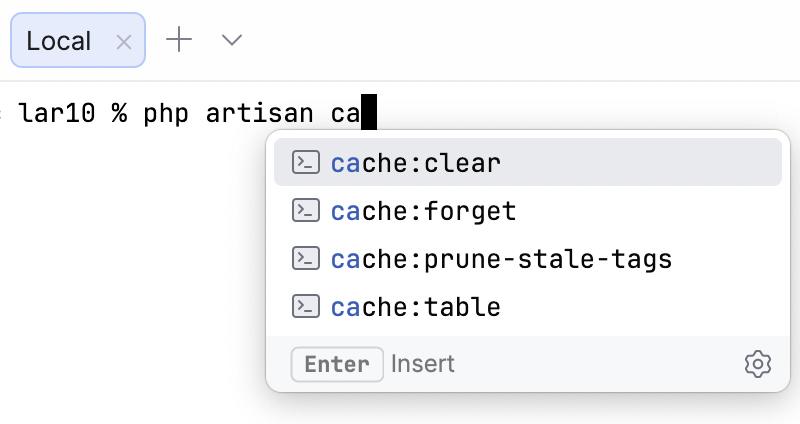
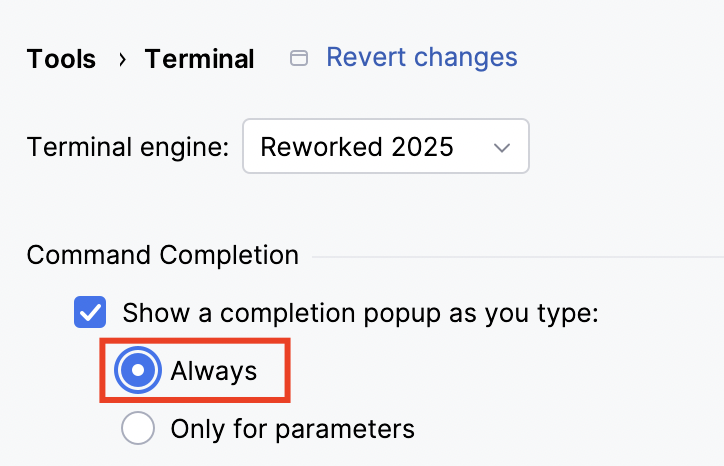
Laravel Idea provides terminal completions for Artisan commands and their parameters. To make it work, please select the option "Always" in the Tools > Terminal > Show completion as you type setting
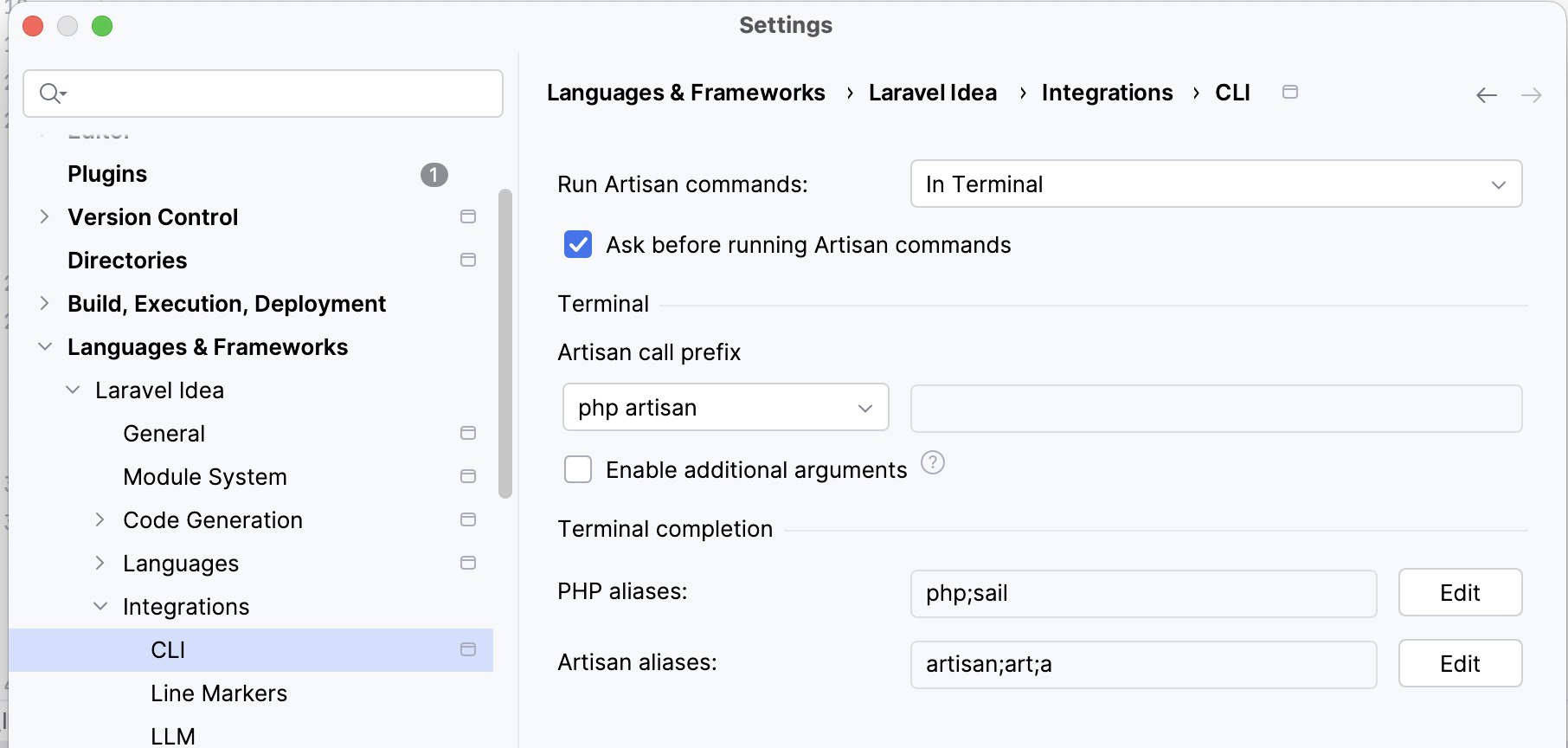
Settings
In the Settings | Languages & Frameworks | Laravel Idea | Integrations | CLI you can configure the main settings of Terminal integration.