
Installation
PhpStorm
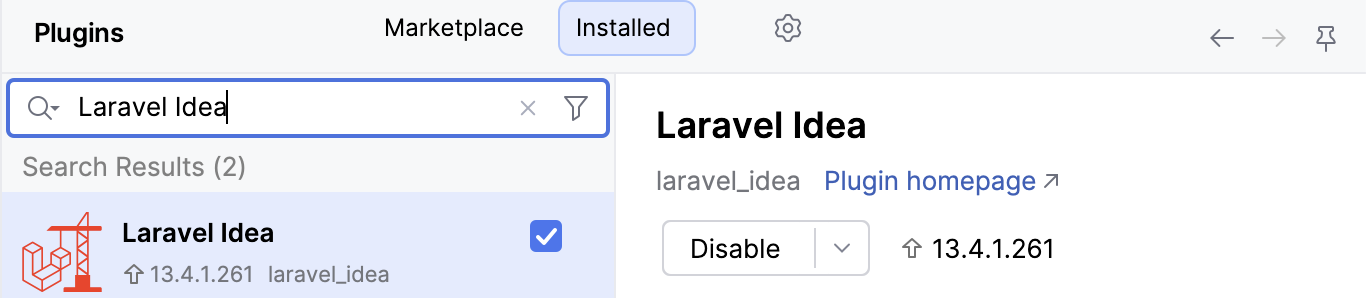
The Laravel Idea plugin comes preinstalled in PhpStorm starting with version 2025.3. You can check that it is enabled in Settings | Plugins | Installed by searching for "Laravel Idea":
IntelliJ IDEA
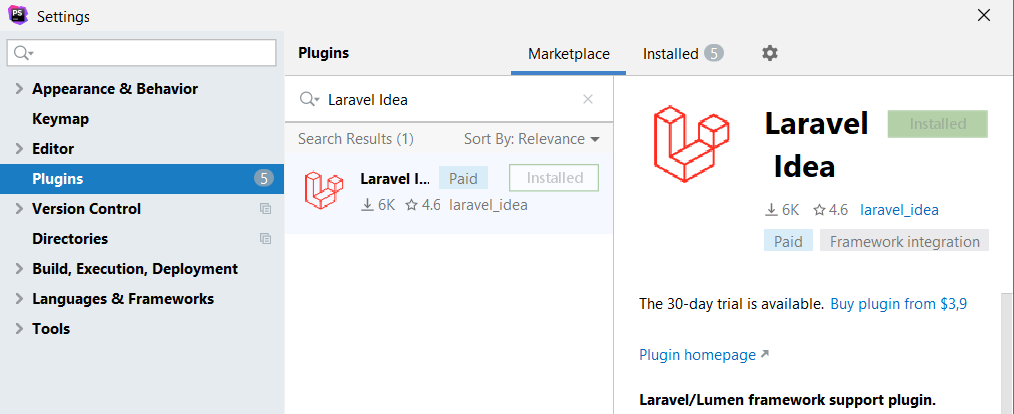
In IntelliJ IDEA, open Settings | Plugins | Marketplace, search for Laravel Idea, and install the plugin. It's free.
Project detection
By default, plugin tries to find laravel/framework (or laravel/lumen-framework, or illuminate/support, or laravel-zero/laravel-zero) Composer package installed. All plugin features work only if one of these packages found, so it won't take resources and make additional indexing for non-laravel projects. This can be configured in Settings | Languages & Frameworks | Laravel Idea | General:
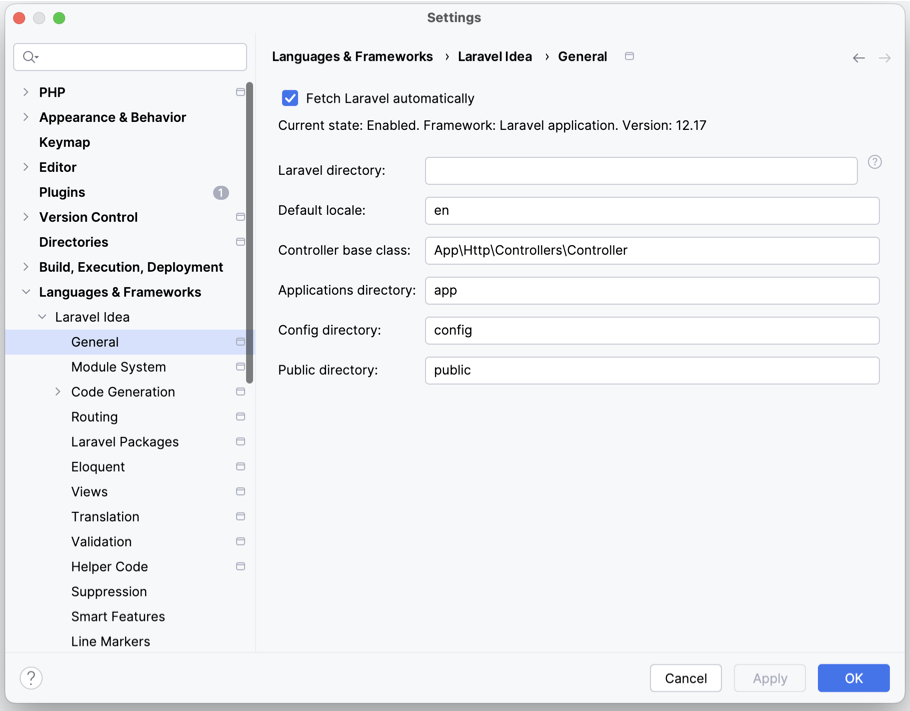
Laravel directory option can help in cases when laravel installation is not in the root. Also, plugin can be turned on/off manually.